Use Chainlens Blockchain Explorer
Chainlens Blockchain Explorer supports public and private EVM networks. You can include Chainlens when generating a private network using the Developer Quickstart.
Chainlens provides an overview of the entire network, including block information, contract metadata, transaction searches, and more.
In production networks, you must secure access to RPC nodes.
Prerequisites
Docker and Docker Compose installed.
Start Chainlens
Generate a private network using the Developer Quickstart, with Chainlens enabled:
npx @consensys-software/besu-dev-quickstart --networkType private --outputPath ./besu-test-network --otel false --chainlens true
Start the generated network:
cd besu-test-network
./run.sh
Open http://localhost:8081/dashboard in your browser.
Chainlens may take a few minutes to index the latest blocks after the containers start.
If you already generated a private network without Chainlens, generate a new quickstart directory with --chainlens true.
The Developer Quickstart adds the Chainlens services to the Docker Compose file at generation time.
View on Chainlens
After starting Chainlens, you can view information about your network.
Screenshots in this section are taken from the Chainlens Holesky network.
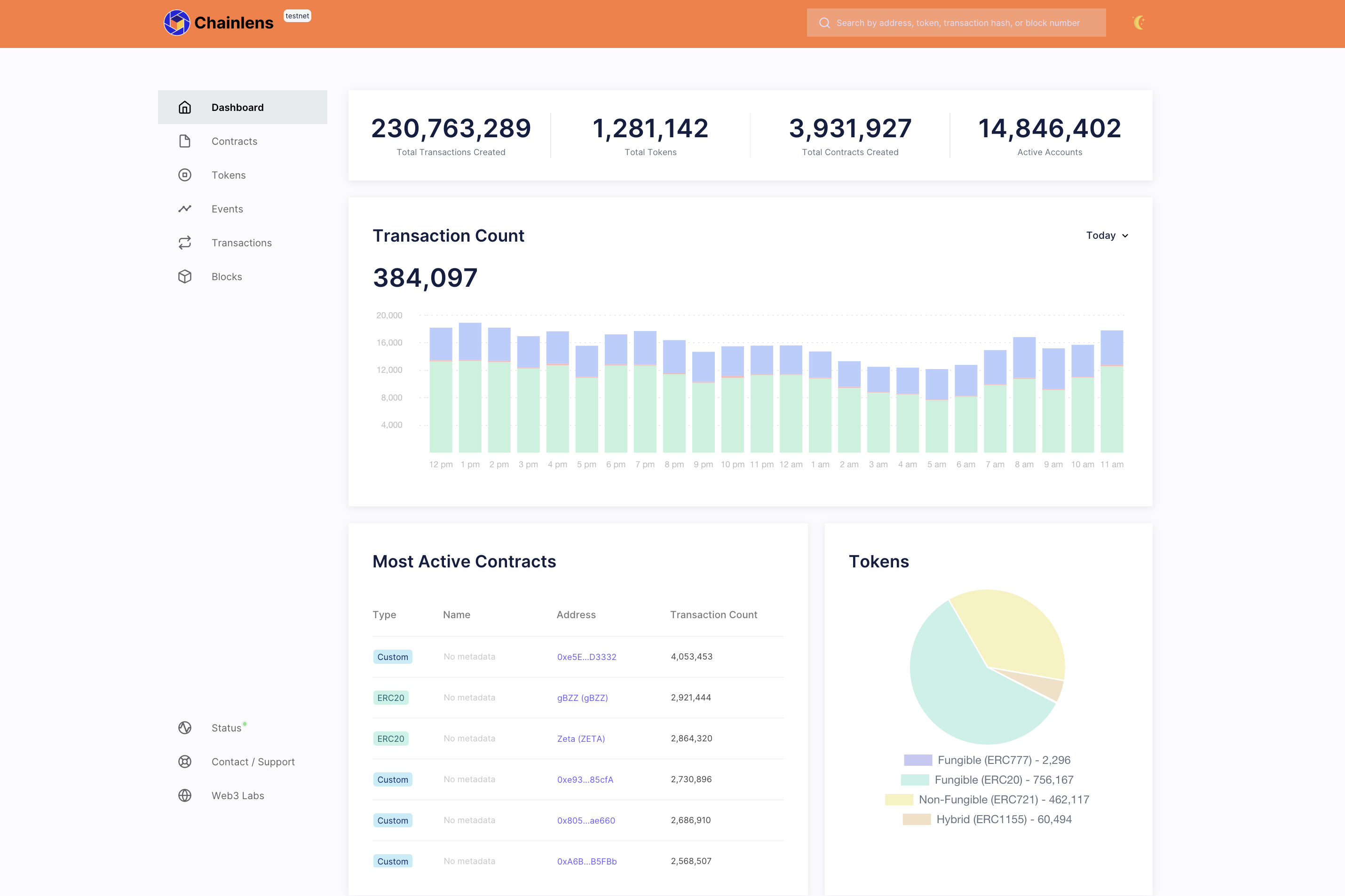
The Dashboard page provides an aggregated view of network activities.
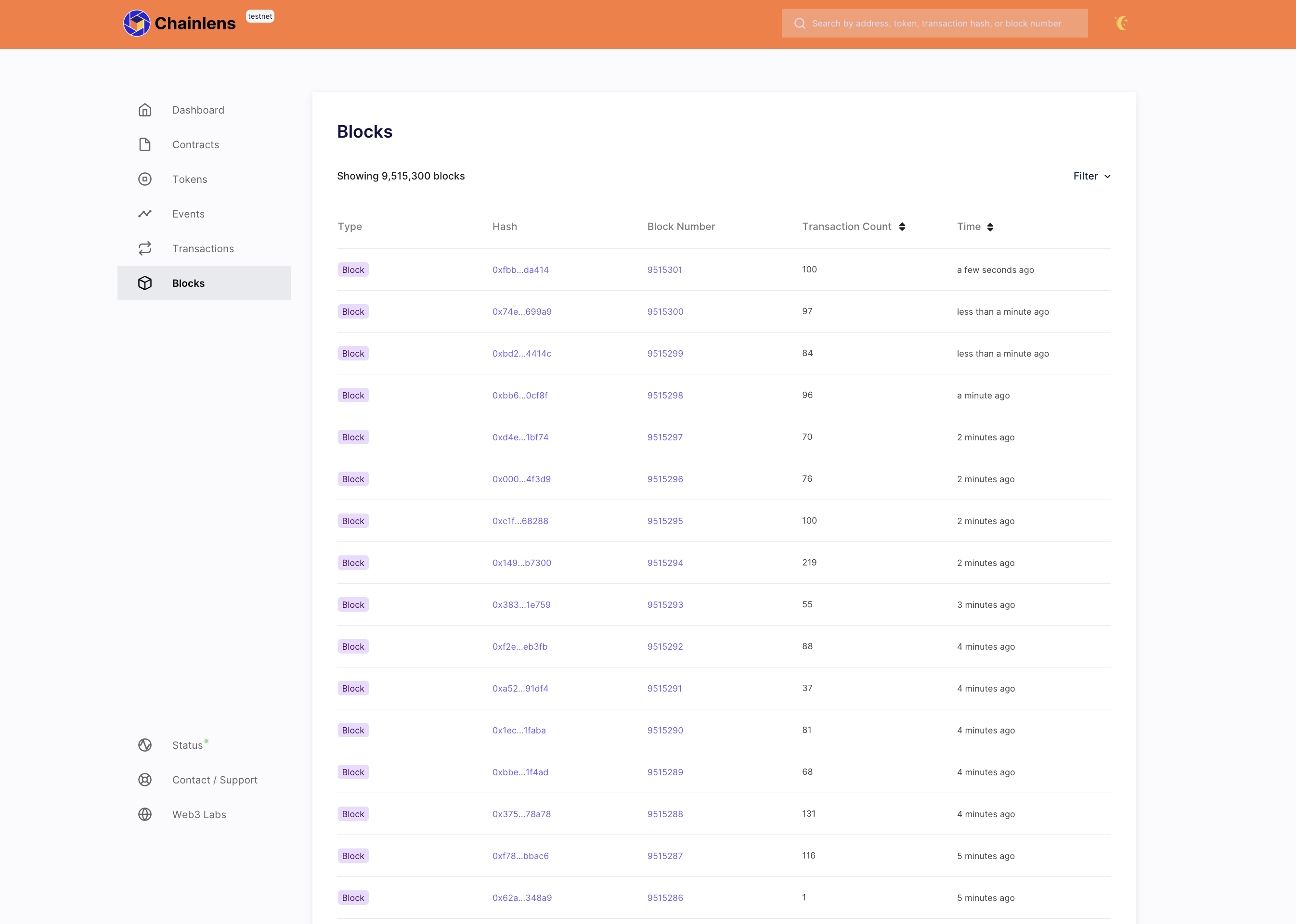
The Blocks page shows a real-time view of the finalized blocks.
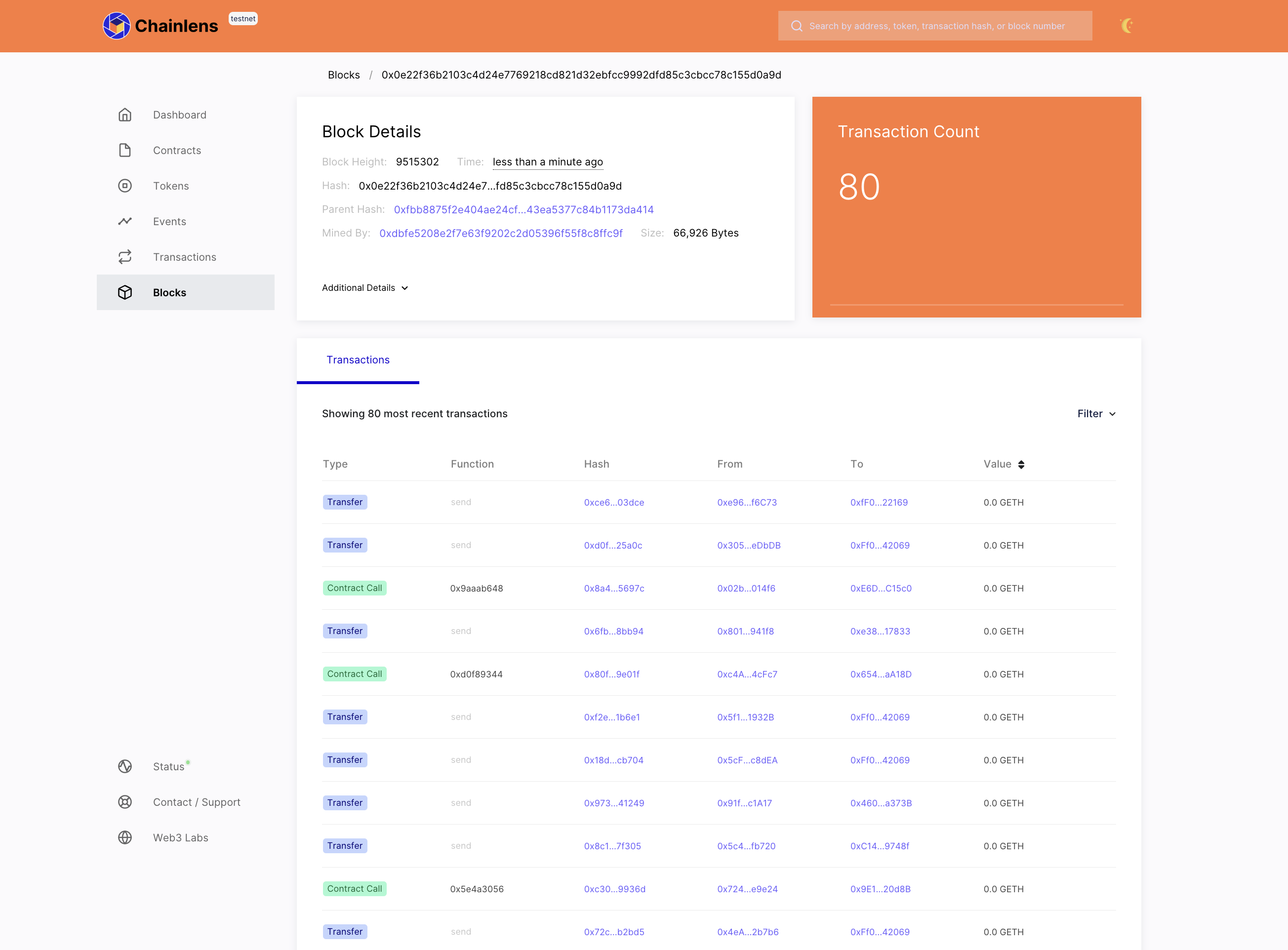
You can view block details by selecting a block hash or number.
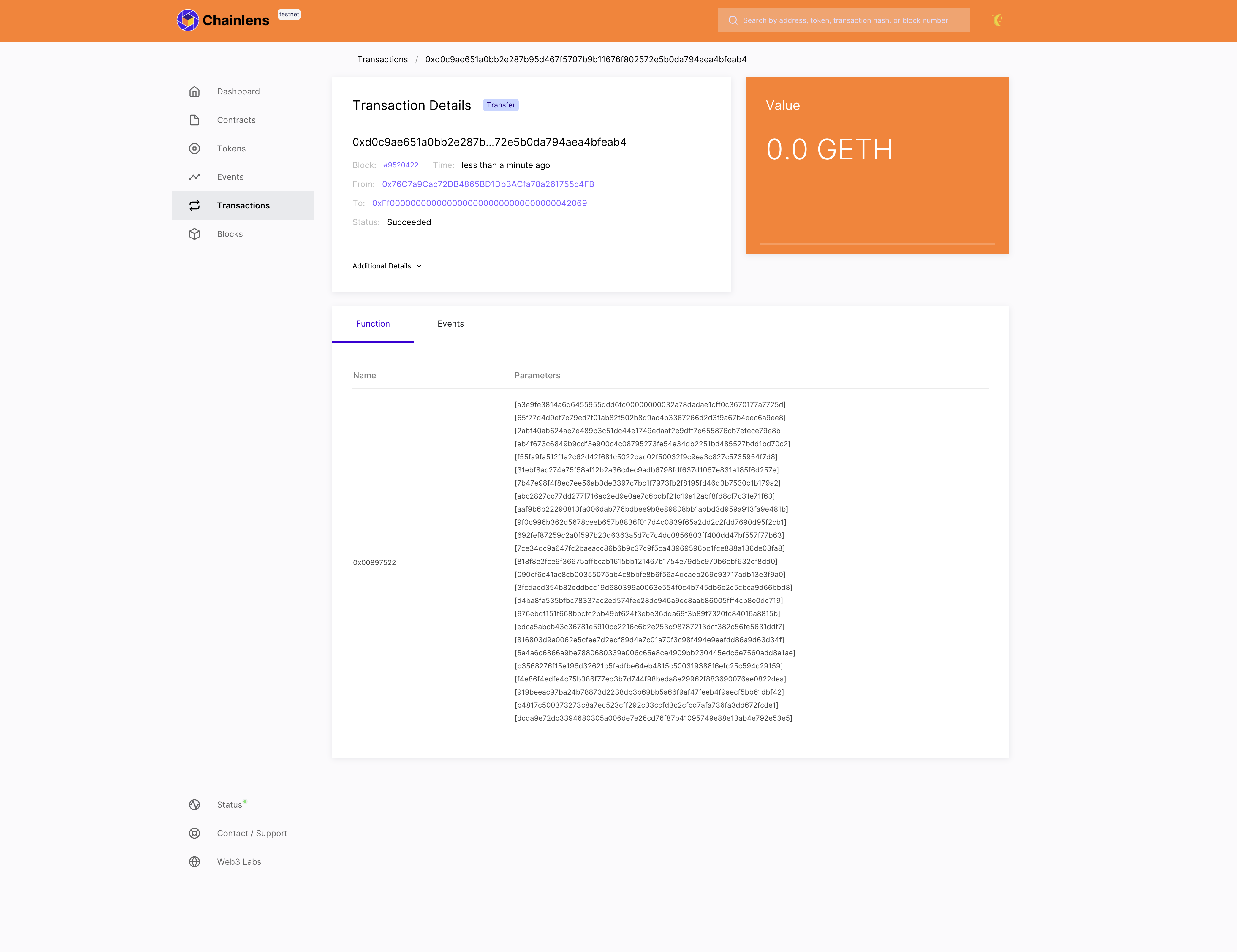
The Transactions page shows a paginated view of new and historical transactions.
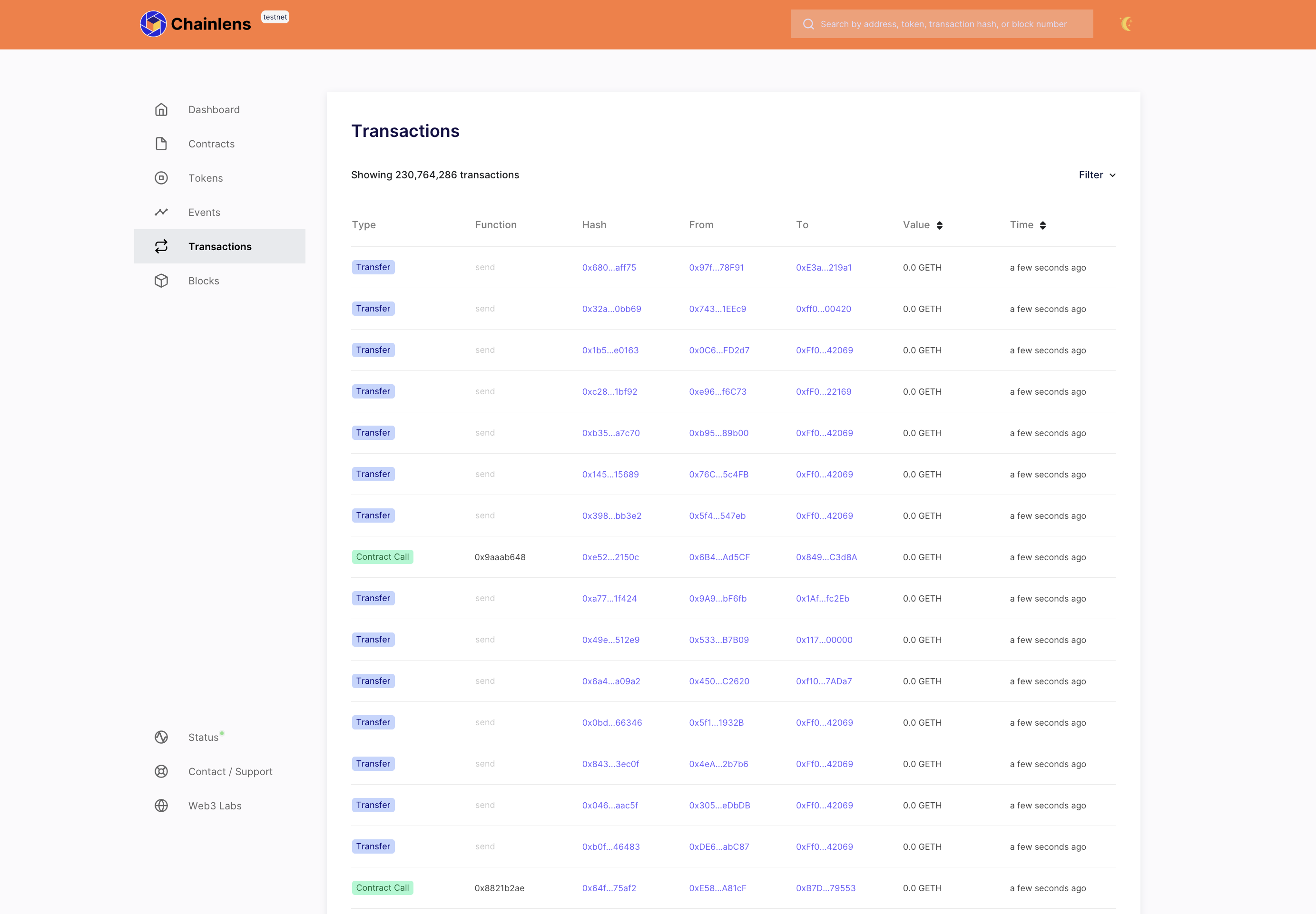
If you select any transaction hash, you can get the transaction details.
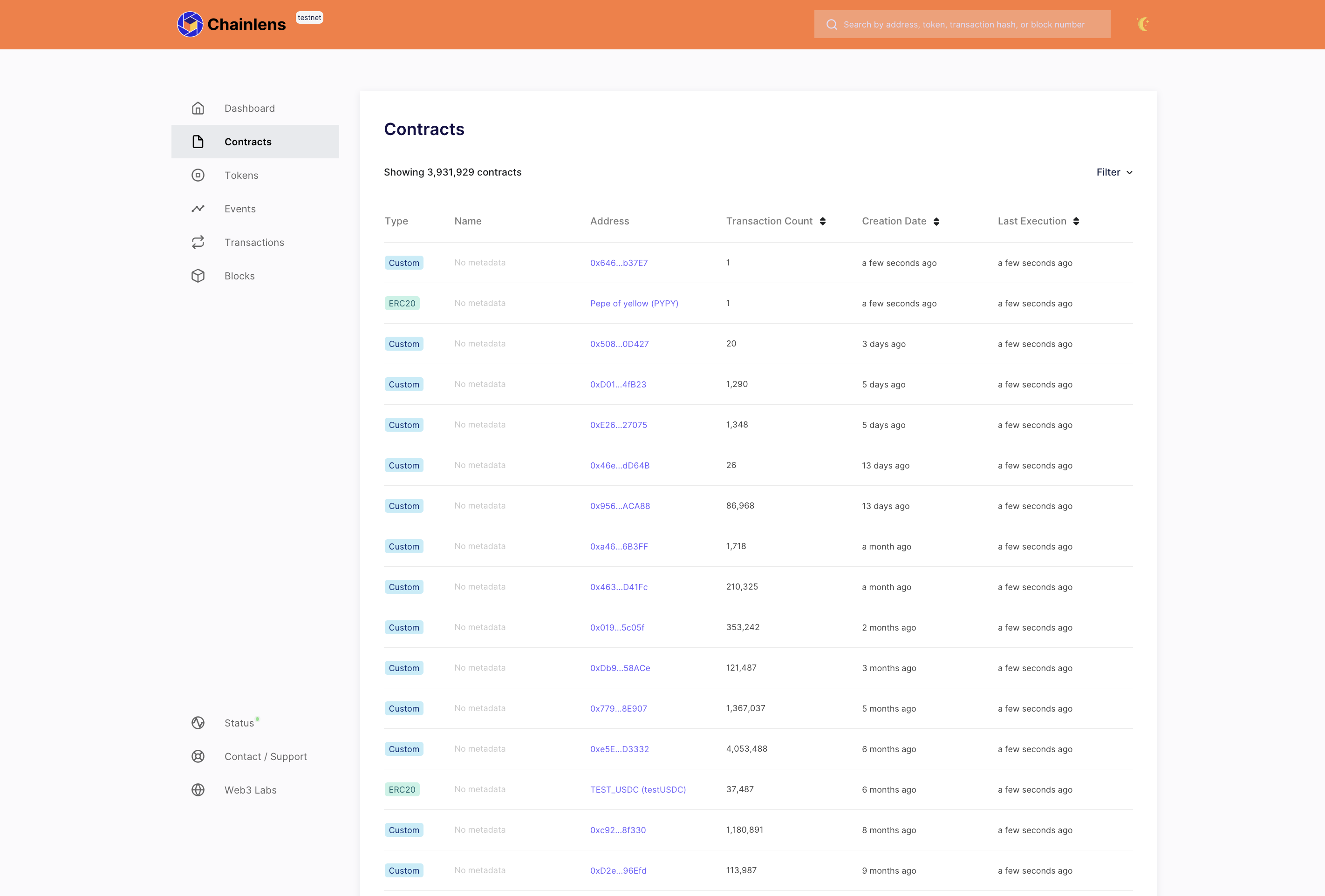
The Contracts page shows all the smart contracts deployed on the network.
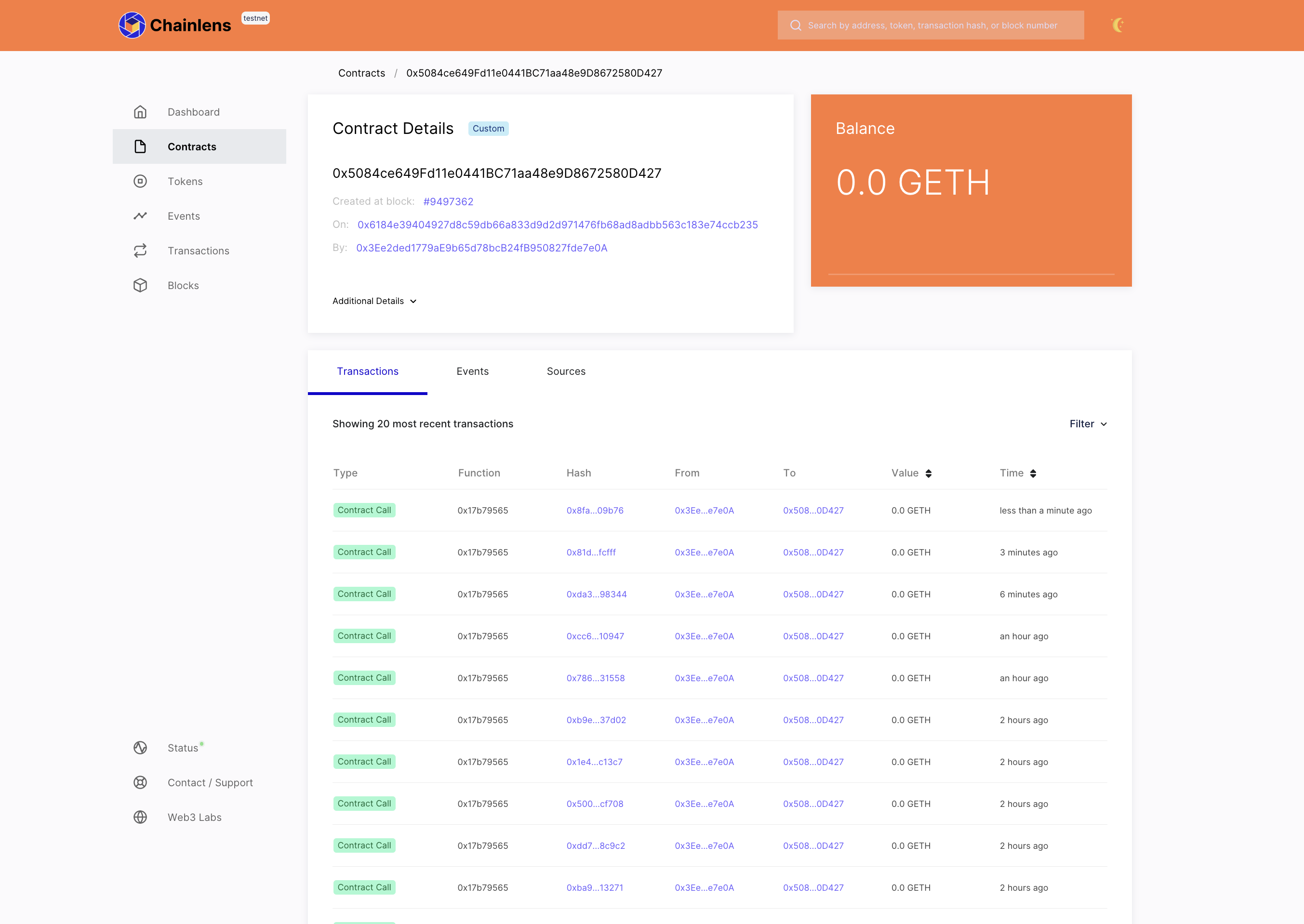
You can view smart contract details by selecting the contract address.
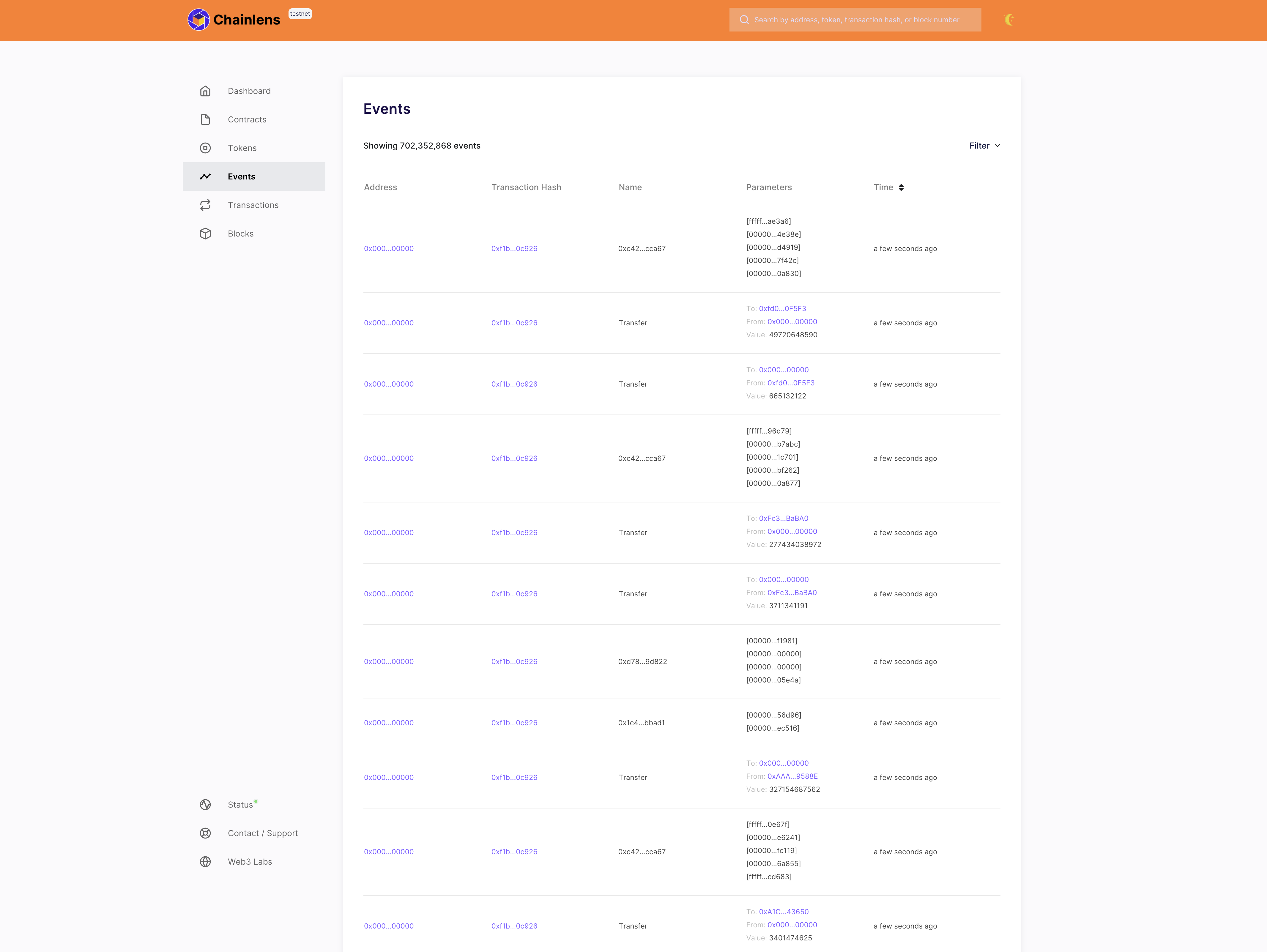
The Events page shows all the events generated on the network.
Stop Chainlens
Chainlens runs as part of the generated quickstart network. Stop the quickstart containers to stop Chainlens:
./stop.sh